

Exline Tracking: How to Track Your Exline Package
CARRIAGE TRACKING – All-in-One Courier Tracking Service

Exline Tracking
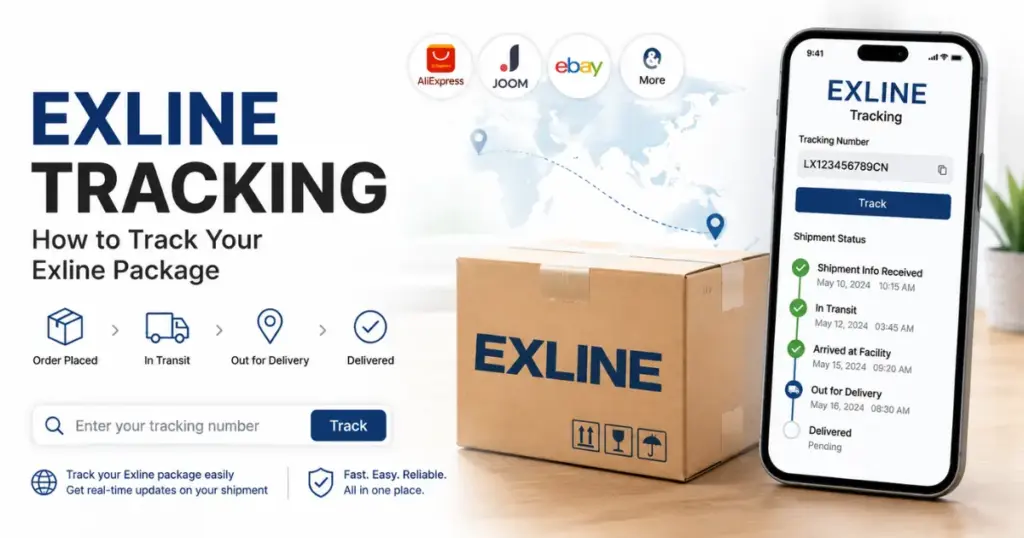
To track an Exline package, copy the tracking number from your shipping confirmation or marketplace order page, paste it into the tracker above, and check the latest status. No tracking number? An invoice or receipt number often works too. Exline is a Kazakhstan-based express courier, so most updates come from Central Asia before your parcel is handed to a local carrier.
If you ordered something online and your shipping confirmation mentions Exline, you probably want one thing: to know where your package is right now.
Fair enough. Exline isn’t a household name like UPS or FedEx, so plenty of shoppers see it on their order and have no idea how to track it. This guide covers how Exline tracking works, what to do without a tracking number, what each status means, and how to fix the usual tracking problems.
What Is Exline?
Exline (Exline Express) is an express delivery and logistics company based in Kazakhstan. It has been running since 2016 and handles documents, small parcels and larger freight, both inside Kazakhstan and internationally. According to its own website, Exline operates more than 200 branches, a fleet of 250+ vehicles, and delivers to over 165 countries through its partner network
Where Exline Packages Usually Come From
Most shoppers run into Exline on cross-border orders that start in, or pass through, Kazakhstan and Central Asia. That includes marketplace orders from sellers in the region, and some shipments routed from China through Central Asian hubs. Outside Kazakhstan, Exline usually hands the parcel to a local partner for the last part of the trip.
Why You’re Seeing Exline on Your Order
If you didn’t pick Exline yourself, that’s normal. Sellers and marketplaces choose the carrier based on where the item ships from and which shipping option you chose at checkout. Exline just shows up as part of that route.
How to Track Your Exline Package
Once you have the right number, tracking Exline works like most international carriers.
Steps to Track a Package on Exline
Why Use CarriageTracking for Exline Shipments
Checking your Exline package through CarriageTracking gives you the same live data as the carrier’s site. It’s most useful when your order changes hands between couriers, which is common on cross-border shipments. You can follow the whole journey in one place instead of jumping between websites.
How to Track an Exline Package Without a Tracking Number
This trips up a lot of people, especially on marketplace orders where the tracking number is buried in the order page.
Track Using Your Invoice or Receipt Number
If you can’t find a dedicated tracking number, check your invoice or receipt. Many Exline shipments can be located using the invoice ID or receipt number instead, since this is tied to the same shipment record.
Track as a Guest
You don’t need an account to track an Exline package. Guest tracking works as long as you have a valid tracking number, invoice ID or receipt number.
If You Still Can’t Find Any Number
Log in to the store you ordered from and open your order history. Tracking details are usually saved there even if the confirmation email never arrived. Still nothing? Ask the seller to resend the shipping information.
Understanding Your Exline Tracking Number
Exline tracking numbers don’t follow one fixed pattern. The format depends on the shipping service and on whether the parcel was booked directly or through a marketplace.
Where to Find It
The number is usually on your payment receipt or in the shipping confirmation email sent after dispatch. If you bought through a marketplace, it’s normally shown in the order tracking section too.
Common Formatting Mistakes
The most common reason for “no results” is a mistyped character or a stray space copied along with the number. Copy and paste it directly instead of retyping it.
Common Exline Tracking Statuses Explained
Once the number pulls up a result, you’ll see a status showing where your package is.
What Each Status Means
When Tracking Doesn’t Update for a While
Cross-border parcels go through customs and several handoffs, so tracking often goes quiet for a few days. That’s usually normal. If nothing changes for more than 10 business days, contact the seller first, then Exline.
Exline Delivery Times and Customs
Delivery inside Kazakhstan is usually quick, often a few days between major cities. International delivery takes longer and depends mostly on customs at the destination and on the local partner doing the final delivery. Exline offers guaranteed delivery times on some services, with compensation if it misses them, so it’s worth checking which service your seller booked.
If your parcel is held at customs, you may be asked for an ID, an invoice, or payment of import duties. Respond quickly. Unclaimed parcels can be returned to the sender.
How to Contact Exline
Exline says it offers 24/7 customer support through its official website, exline.kz. Have your tracking number, invoice ID and order details ready before you get in touch. For refunds, missing items or wrong products, start with the seller, since they booked the courier service and can open a claim on your behalf.
Fixing Common Exline Tracking Problems
A few problems come up often enough to deal with directly.
Exline Package Tracking Shows Incorrect Information
If the status or location doesn’t match what you expect, check the number first. A single wrong digit pulls up a different shipment. If the number is right and the details still look off, contact the seller. The parcel may have been labelled incorrectly at dispatch.
What Happens If Your Package Has the Wrong Tracking Number
If the number matches no shipment, or shows someone else’s package, contact the seller right away. They’ll need to check their shipping records and send you the correct number.
Tracking for Insured Packages
Insurance doesn’t change how tracking works. It’s linked to the same tracking number, so you’ll see the same updates. Keep your proof of insurance and order receipt safe in case you need to file a claim.
Other Carriers at Carriage Tracking
Cross-border orders often move between several couriers before they reach you. If your Exline parcel came from Russia or the wider CIS region, you may also see Pony Express tracking on the same route. Orders from China often use China Post tracking or start as AliExpress tracking. For international e-commerce consolidators, see GBS tracking, Gem Worldwide tracking, Globegistics tracking, I-Parcel tracking and Landmark Global tracking. You can also browse all carrier tracking services in one place.